


Display the member list
View the complete list of active and inactive members of your club
Manage members
1
Access the member list
Click the menu MEMBER in the main menu, then select Manage members. The list of all active members of your club is displayed immediately.
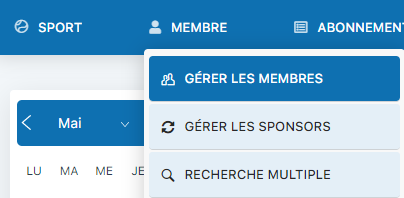
Step 1a: MEMBER menu → Manage members
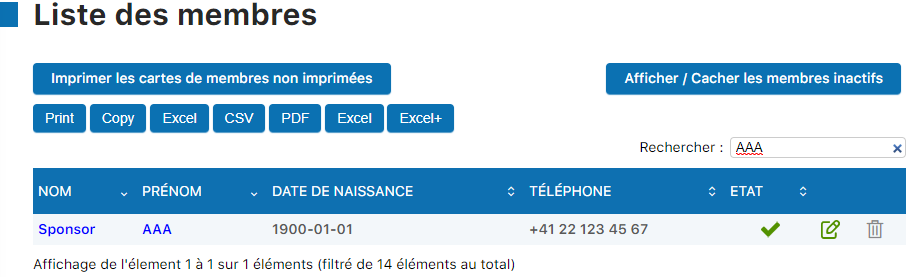
Step 1b: Complete list of active members
2
Display inactive members
Click the link Show/Hide inactive members to also see members who have left your club. You can quickly identify each member's status using the status icons.
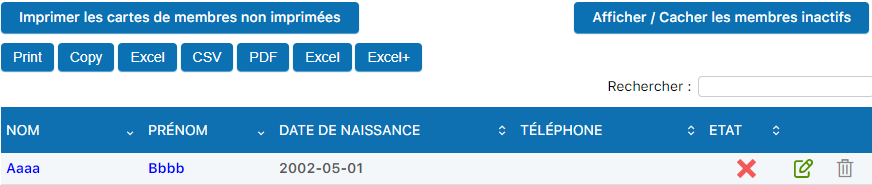
Step 2a: Link to show/hide inactive members

Step 2b: Status representation (✓ active, ✗ inactive)
💡 Helpful tip
Inactive members keep their entire history (invoices, payments, bookings). They are not deleted, just marked as inactive. You can reactivate them at any time.
Plugin.ch Manual | Chapter 8: Manage members