


Print member cards
Generate and print your members' cards after payment
Member cards can be printed with an A4 laser printer (to be cut out and laminated) or with a dedicated card printer. The card design is defined in SETTINGS → Manage member cards.
1
Access card management
Go to MEMBER → Manage members.
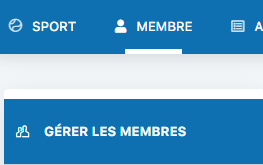
Image 305: Access to the Manage members menu
2
Print the cards
Click the "Print unprinted member cards" to generate the cards for members whose payment has been recorded.
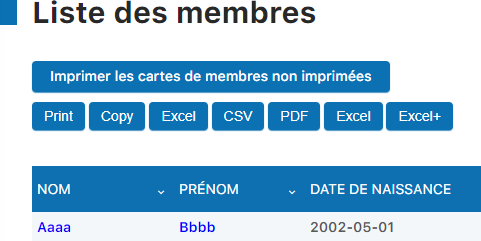
Image 306: Button to print unprinted cards
Plugin.ch Manual — Chapter 8: Manage members
Professional documentation