


Manage courts
List, edit, or delete a court
Manage your existing courts in just a few clicks
Quickly access the full list of your courts and make the necessary changes. You can edit the settings of an existing court or delete it from the system as needed.
1
Go to the court list
From the main menu, click SPORT, then select Manage courts. Make sure to select the appropriate season before viewing the list.
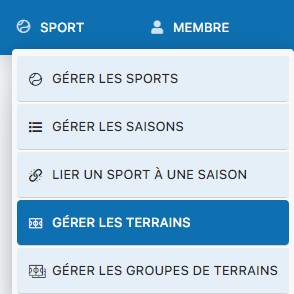
Access to the SPORT menu
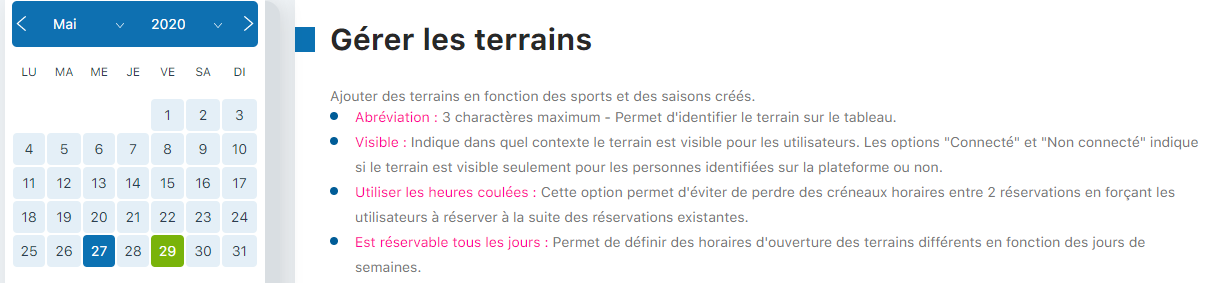
Season selection and court management interface
2
Edit or delete a court
At the bottom of the page, you will find the full list of all your courts. Quick actions are available for each court:
- Pencil icon (✏️) : Click to edit the court's settings
- Trash icon (🗑️) : Click to delete the court from the system
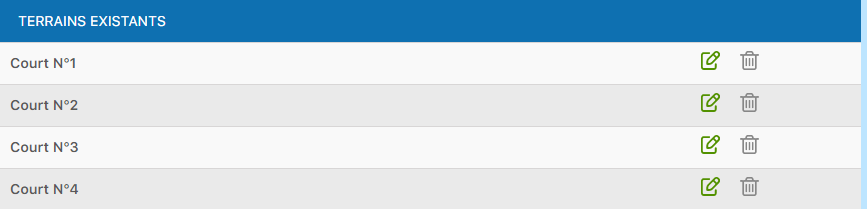
List of existing courts with edit and delete actions
Tip: Before deleting a court, make sure no active booking is associated with it. This action is final and cannot be undone.
Plugin.ch Tutorial — Manage courts