


Payments and wallet
How do I top up my digital wallet?
The digital wallet saves you from getting your card out for every booking: you top it up once, then your bookings are paid in one click.
1. Open your wallet
Left menu → My account → My wallet. Your balance and transaction history are displayed.
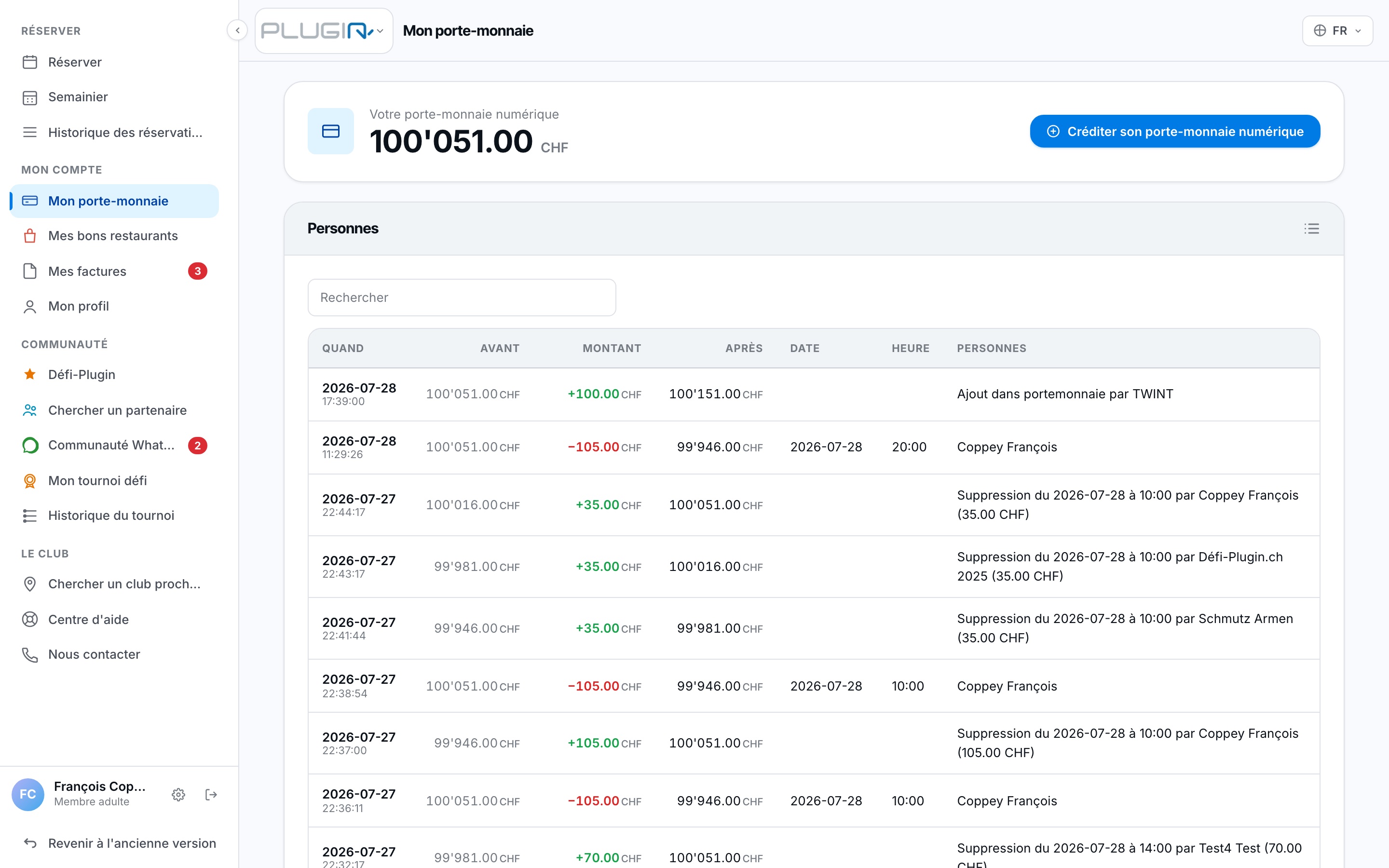
The My wallet page
2. Click "Top up"
Choose the amount, then the payment method: TWINT or credit card (depending on your club, PayPal or PostFinance may also be offered).
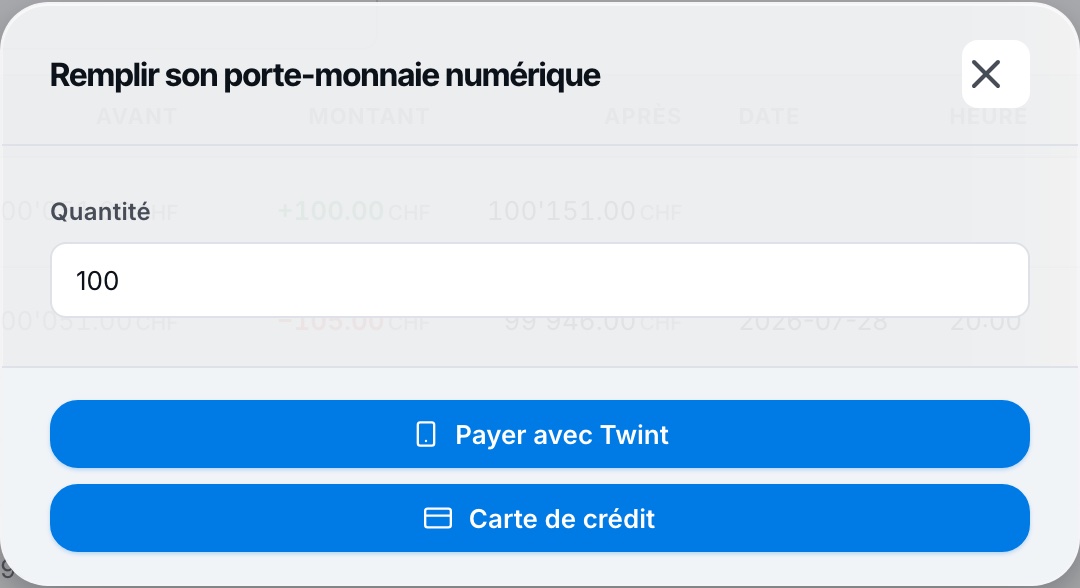
The top-up window
3. The balance is credited immediately
Once the payment is confirmed, your balance is updated and every transaction remains visible in the page's history.
The button Top up can also appear directly on the dashboard, in the "My quotas and club rules" panel.
Plugin.ch Tutorial — Payments and wallet