


Search for a member
Quickly find a member using multi-criteria search
Manage members
Access multi-criteria search
In the left panel of the member list, click the Multiple searchlink. An advanced search form opens, letting you filter members by several criteria.
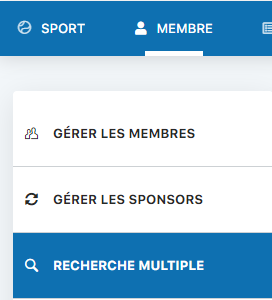
Click "Multiple search"
Perform a search
Enter the desired search criteria (for example: postal code, city, last name, first name, etc.). You can combine several criteria to refine your search. Then click the Search button to display the results.
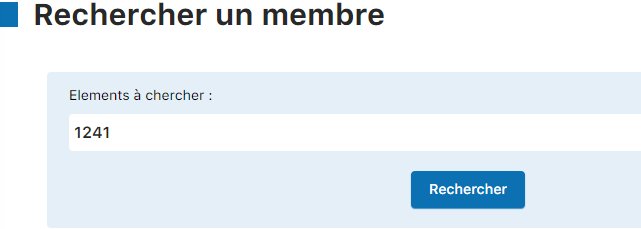
Enter your criteria and click "Search"
💡 Helpful tips
Search by postal code: Searching by postal code is very effective for finding all members in the same region or locality.
Combining criteria: You can combine several criteria (name + city, for example) to refine your search and find exactly the member you are looking for.
Results: The search results are displayed in a table. You can then edit, delete, or view the details of each member found.
Plugin.ch Manual | Chapter 8: Manage members