


List and search invoices
Manage invoices
You have created your invoices and now need to locate them quickly in the system. This tutorial shows you all the available ways to display, list, and search your invoices according to your needs.
Display the invoice list
Access the invoicing module
From the main menu, select INVOICE then MANAGE INVOICES.
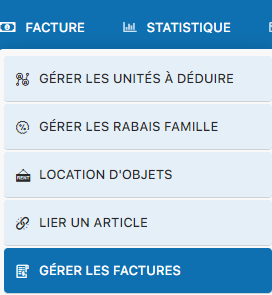
Select an invoice group
The system displays your invoice groups. Click the group you want to explore.
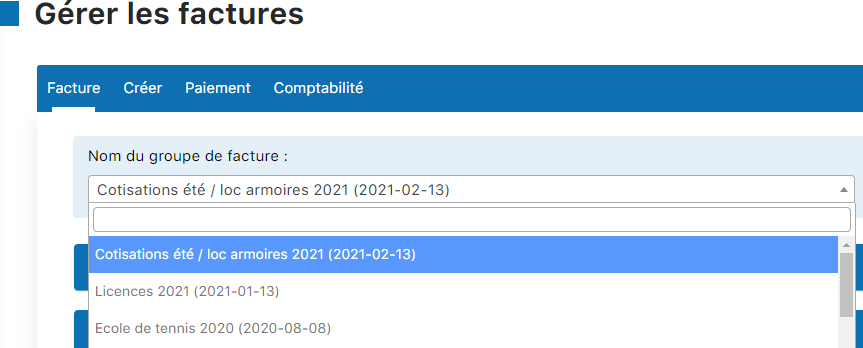
Open the group to view invoices
Once the group is selected, all associated invoices are displayed with their detailed information.
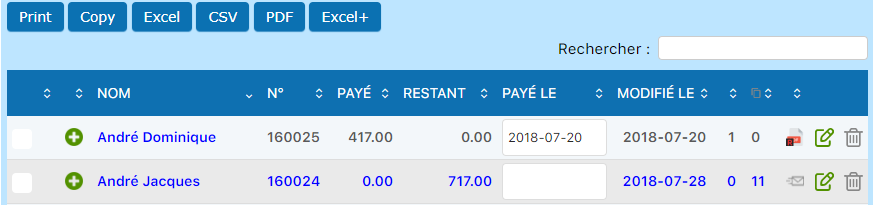
Print or export the list
At the bottom of the list, you'll find options to print or export as PDF, Excel, or another format. These files are saved in your Downloads folder.

Display unpaid invoices
This specialized view shows only invoices awaiting payment, ideal for tracking reminders.
Access the list of unpaid invoices
From the menu, go to INVOICE then LIST OF UNPAID INVOICES.
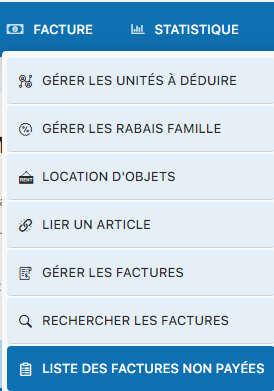
View the filtered list
The system displays all unpaid invoices, making it easier to manage reminders and expected payments.
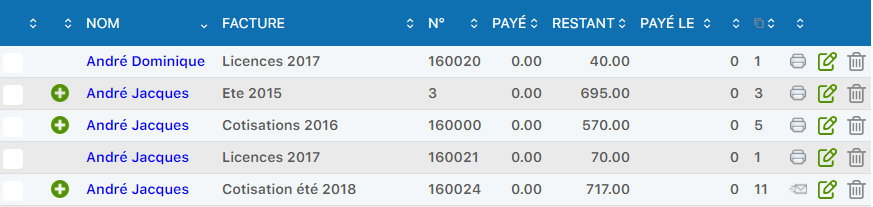
Export in different formats
Use the file type buttons to export the list as PDF, Excel, or another format according to your needs.
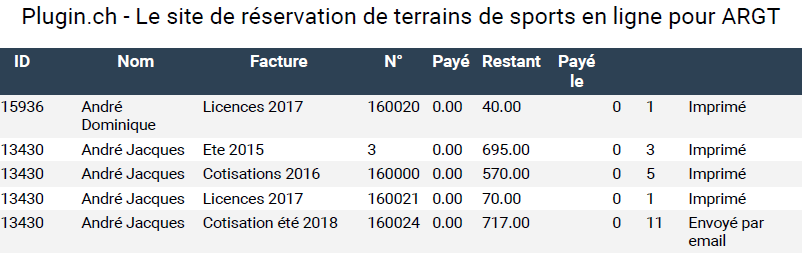
Search for a specific invoice
Need to find an invoice quickly? The search engine lets you search by different criteria.
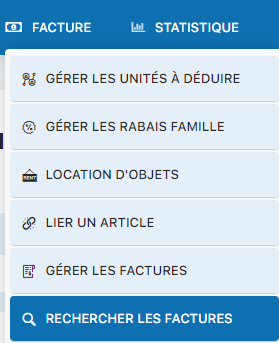
Use the invoice search function
Go to INVOICE then SEARCH INVOICES.
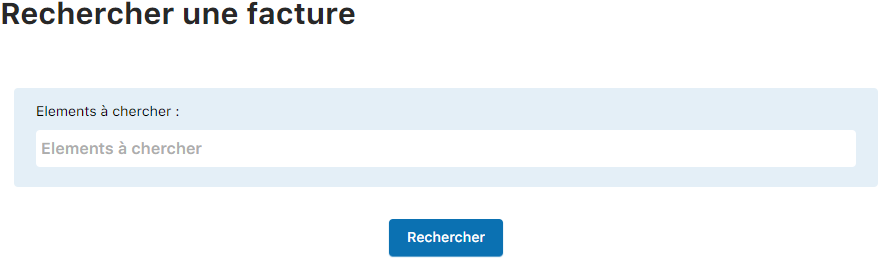
Enter your search criteria
Search by:
- Invoice number
- Member's last name
- Member's first name
- Any relevant term (company name, address, etc.)
View a member's invoices
Each member profile contains a complete history of their invoices. It's the best way to see a person's financial history.
Access member management
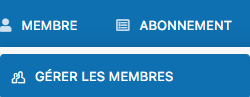
From the main menu, select MEMBER then MANAGE MEMBERS.
Click the member's name
Locate the relevant member in the list and click their name to open their detailed profile.

Access the invoice history
On the member's profile, look for the link "Invoice history" and click it.


Edit an invoice
Click the pencil icon to edit an invoice.

View the full invoice
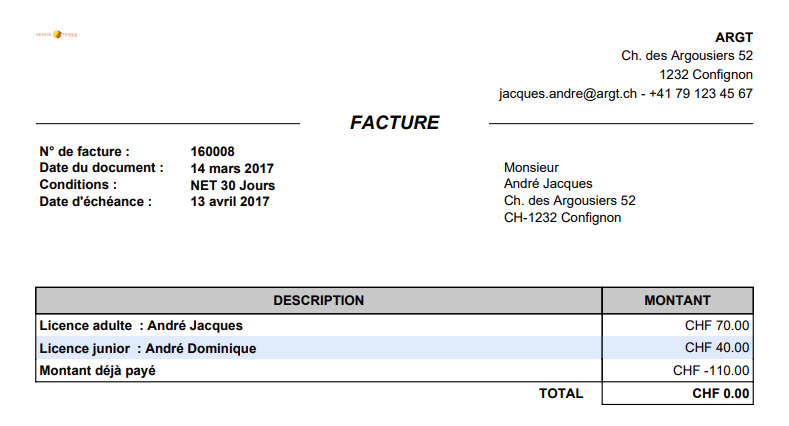
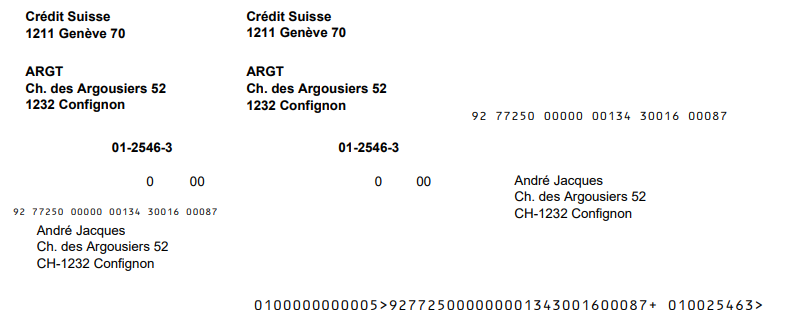
At the bottom of the edit screen, click "View invoice" to see the finalized document as it will print.
For effective management, regularly check the list of unpaid invoices. It's your primary tool for identifying late payments and planning timely reminders.
Plugin.ch Tutorial — Manage invoices